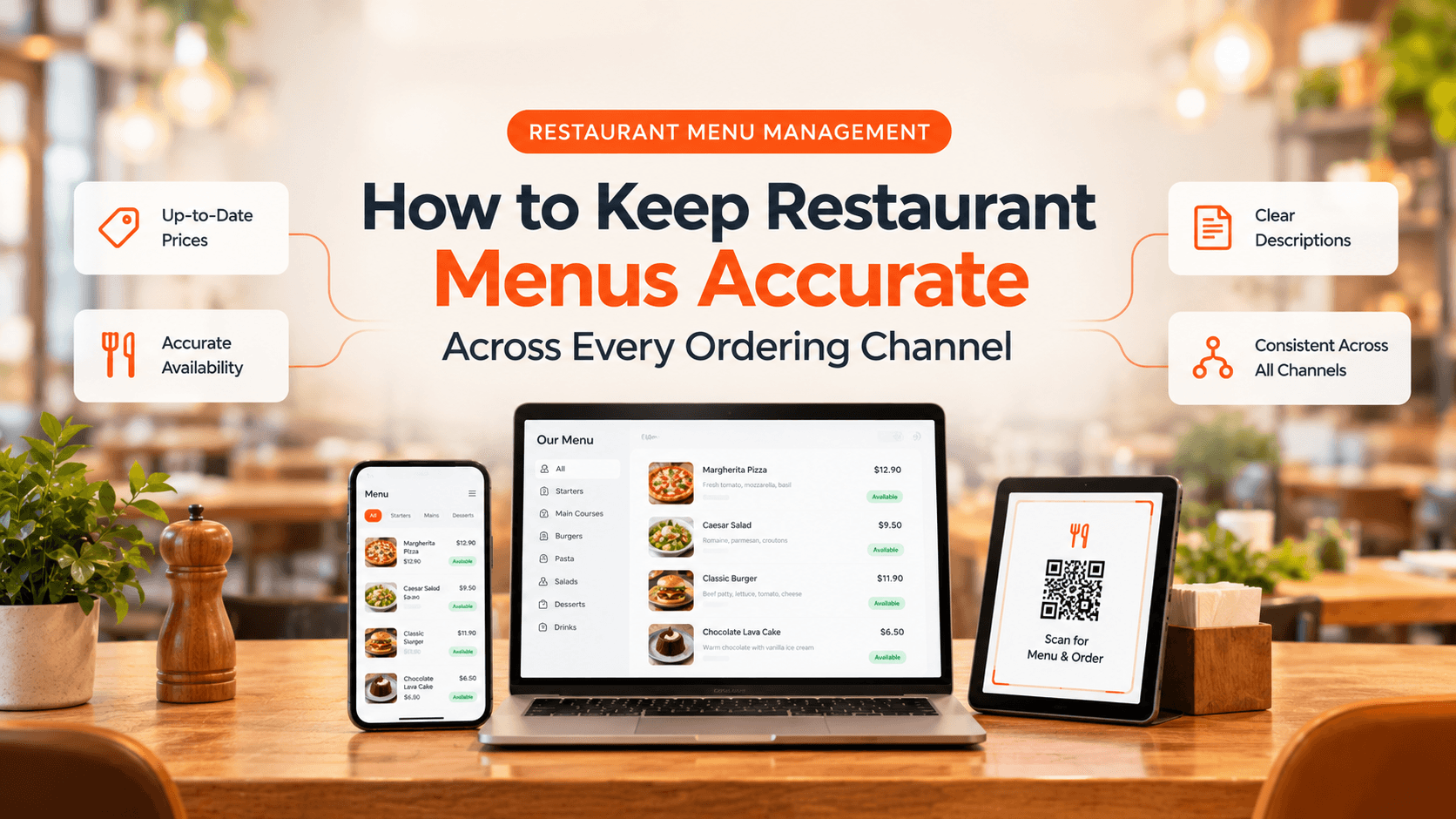
Your digital menu is often the first interaction customers have with your restaurant. When prices are outdated, dishes appear available when they are sold out, or product descriptions are unclear, the ordering experience becomes frustrating for customers and more complicated for staff.
Effective restaurant menu management helps keep information accurate, consistent, and easy to maintain across every ordering channel.
1. Keep Prices and Product Details Updated
Customers expect menu prices, descriptions, portion options, and add-ons to match what they see at checkout. Review these details whenever recipes, costs, or menu offerings change.
Clear product descriptions and correctly configured modifiers also help customers choose what they want with fewer questions or misunderstandings.
2. Update Availability as Conditions Change
An item may sell out during a busy service, or a dish may only be available during certain hours. Leaving unavailable products on a live menu can lead to disappointed customers and unnecessary order adjustments.
Create a simple process for pausing sold-out items, updating availability, and scheduling menus for breakfast, lunch, dinner, or limited-time offers.
3. Maintain Consistency Across Ordering Channels
Restaurants may accept orders through their website, QR menus, delivery, and collection. Updating each menu separately can create inconsistencies and increase the chance of mistakes.
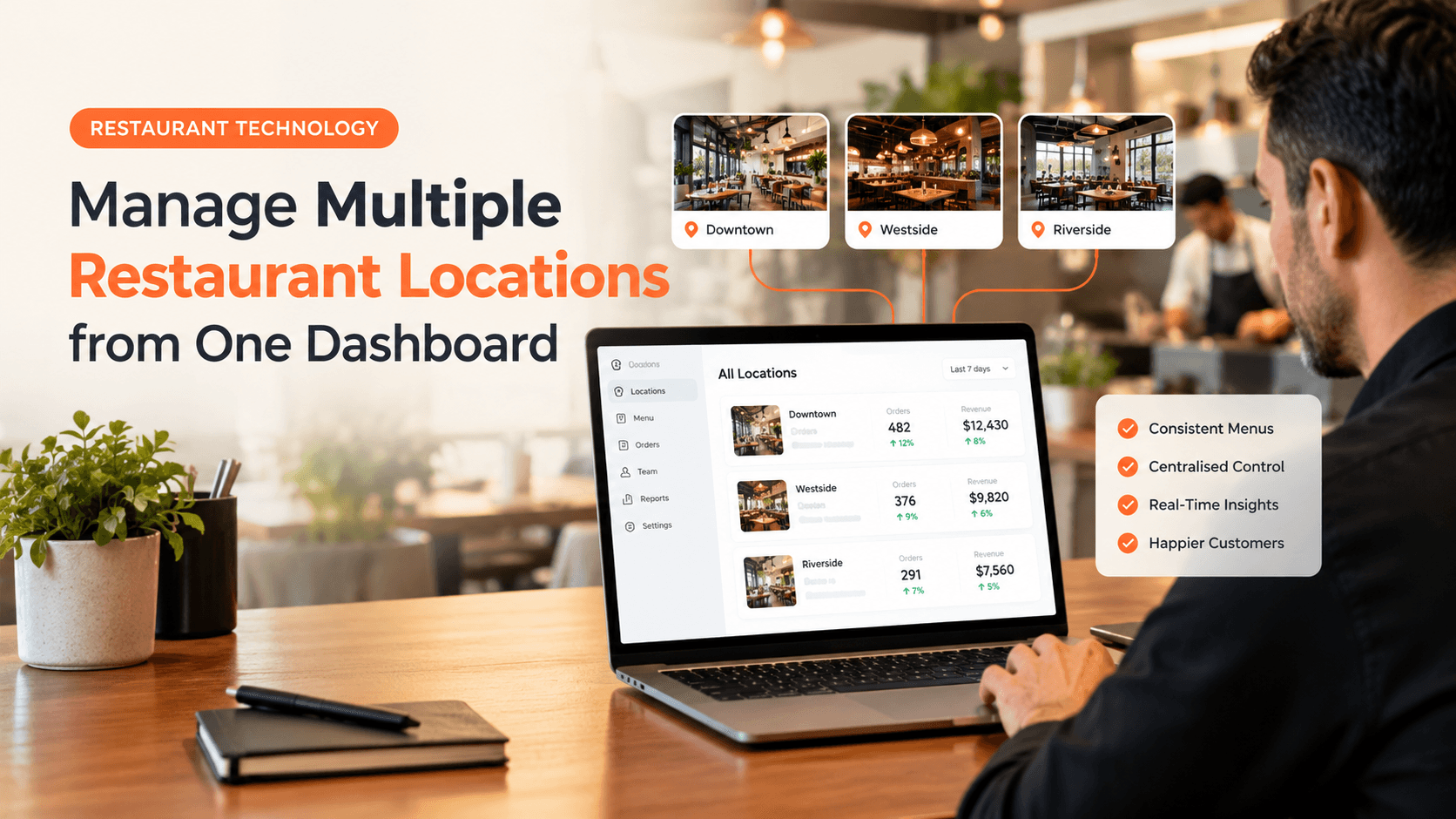
A centralized menu management system helps teams maintain shared product information while allowing supported channel-specific or location-specific differences.
4. Review the Customer Experience Before Publishing
Accurate information matters, but presentation matters too. Check that categories are easy to navigate, images match the dishes, descriptions are readable, and customization options make sense.
Preview your menu on mobile and desktop before publishing significant changes. A short review can help catch missing prices, unclear options, or other issues before customers encounter them.
How TabTake Helps With Restaurant Menu Management
TabTake’s Menu Management tools let restaurants manage product details, categories, pricing, modifiers, availability, schedules, and location-specific menu settings from a connected dashboard. Menus can support online ordering, QR ordering, delivery, and collection, helping teams coordinate updates across supported ordering experiences.
This gives restaurant operators a more structured way to maintain menu information without relying on disconnected manual updates.
Make Menu Accuracy Part of Daily Operations
Menu accuracy is not a one-time task. Build regular checks into opening routines, review availability during service, and verify prices whenever changes are made.
With clear processes and centralized menu controls, restaurants can reduce avoidable confusion, improve the customer ordering experience, and help staff focus on delivering good service.
Explore TabTake’s Menu Management tools to see how your restaurant can manage products, pricing, and availability from one connected platform.