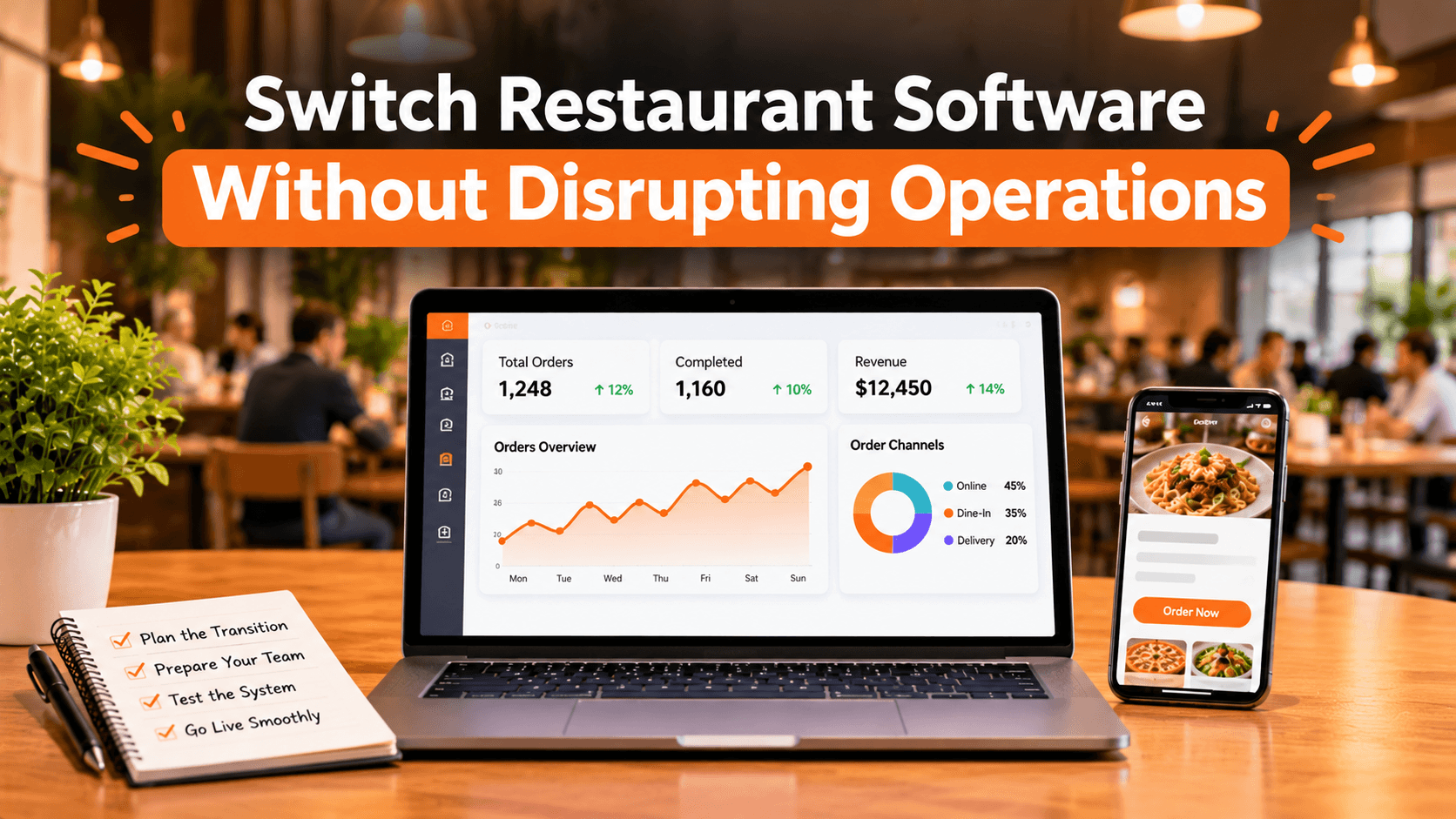
Your restaurant software should make daily operations easier, not create more work for your team.
But as a restaurant grows, its existing system may no longer meet its needs. You might be dealing with disconnected ordering channels, complicated menu updates, manual kitchen communication, or software that limits your ability to grow.
Switching platforms can solve these problems, but only when the transition is planned properly.
Here is how to approach the process without creating unnecessary disruption.
1. Identify What Your Current System Is Missing
Before comparing alternatives, understand why you want to switch.
Are you struggling with online ordering? Are orders coming from too many separate systems? Is managing menus across locations becoming difficult?
Write down the problems your team experiences every day. This gives you a practical checklist for evaluating a replacement.
2. Choose Software That Connects Your Workflows
Replacing one tool with another will not solve much if your restaurant still depends on disconnected systems.
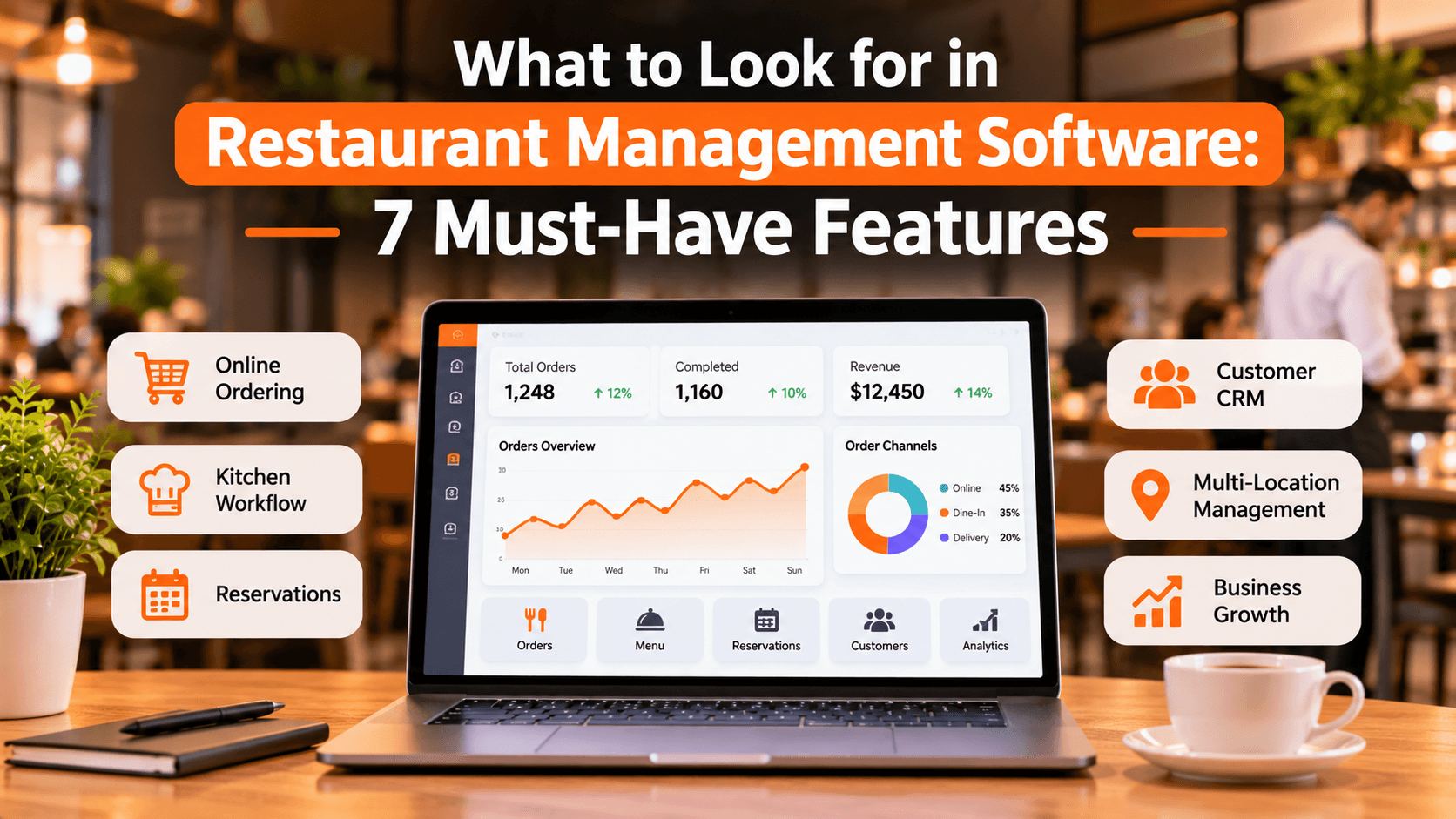
Look for a platform that brings important workflows together, such as:
Online ordering and order management
Menu and availability management
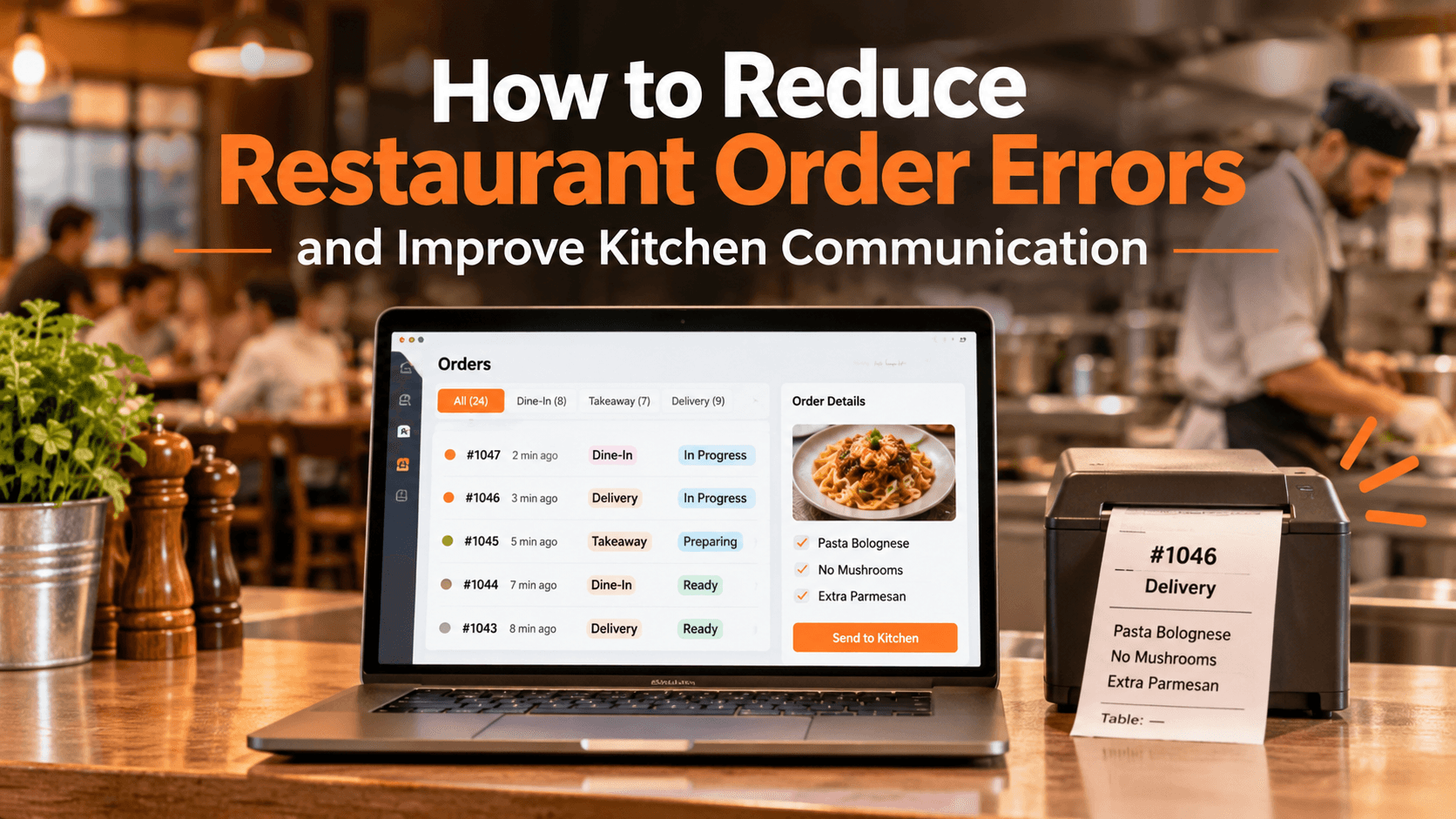
Kitchen printing and order communication
QR table ordering and reservations
Customer management and loyalty
Multi-location operations, where needed
The goal is to reduce unnecessary system switching and make daily tasks easier to manage.
3. Prepare Your Restaurant Information
Before moving to a new platform, organize the information your team will need.
This includes menu items, prices, modifiers, product availability, opening hours, delivery settings, and restaurant details.
Also identify which customer records, order histories, and reports you need to retain. Ask your new provider what can be imported and what needs to be transferred manually. Never assume all historical data will move automatically.
4. Test the New System Before Going Live
Do not make your first real customer order the first test.
Run through the complete ordering process:
Place a test online order.
Check that menu options and prices are correct.
Test collection and delivery settings.
Confirm that kitchen tickets print correctly.
Check payment and order status workflows.
Testing helps identify problems before they affect customers or staff.
5. Prepare Your Team for the Change
Even good software can create confusion if employees do not understand how to use it.
Give staff time to learn the new order dashboard, kitchen workflow, and daily processes. Make sure everyone understands their responsibilities before the new system becomes part of regular service.
A well-prepared team makes the transition much smoother.
6. Switch in a Planned Sequence
Avoid changing every operational process at once without a clear plan.
Choose a suitable launch period, confirm that the new system is configured, and communicate the change to your team. If possible, keep an appropriate fallback process available while you verify that everything is working.
Monitor incoming orders, payments, printing, and fulfilment closely during the first days.
How TabTake Can Simplify Your Restaurant Operations
Changing software is an opportunity to improve more than your ordering process.
TabTake brings direct online ordering, POS and order management, QR table ordering, reservations, kitchen printing, customer CRM, loyalty, and multi-location management into a connected restaurant platform.
Its guided setup covers key steps such as adding restaurant details, configuring menus, setting ordering options, and testing the workflow before going live.
Instead of managing separate tools for every task, restaurants can explore a more connected way to handle daily operations.
Make Your Next Software Switch a Better Business Decision
The right time to change restaurant software is when your current setup is holding your business back.
Start by identifying your operational problems, comparing the features you actually need, and planning the transition around your team and customers.
A successful switch is not simply about adopting new technology. It is about creating a smoother way to run your restaurant.
decisions.
Thinking about upgrading your restaurant software?
Discover how TabTake can bring your restaurant's ordering, kitchen, customer, and operational workflows together.