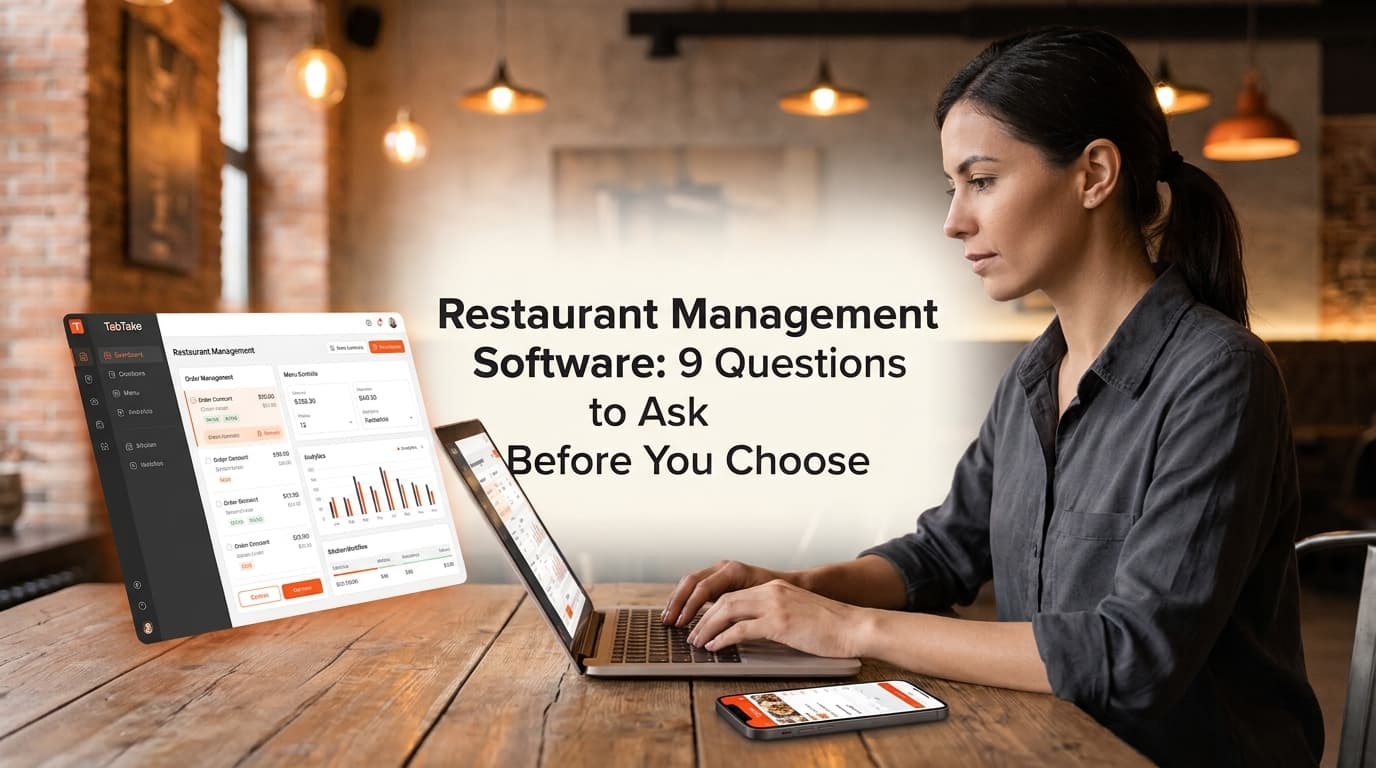
Choosing restaurant management software is not just about finding a system with an impressive list of features. It is about finding a solution that fits the way your restaurant operates today and supports where you want to go next.
The wrong choice can leave your team switching between disconnected tools, managing orders manually, and spending more time on administration.
Before committing to a platform, ask these nine questions.
1. Can It Manage Orders From Different Channels?
Your restaurant may receive orders through its website, QR ordering, collection, delivery, and other channels.
Ask whether the software can bring supported orders into one operational dashboard. A central view can make it easier for staff to review incoming orders and manage their progress.
2. Can I Manage My Menu From One Place?
Updating prices, products, modifiers, and availability across different channels can become time-consuming.
Look for centralized menu management that helps you maintain consistent information while supporting the specific settings each channel or location requires.
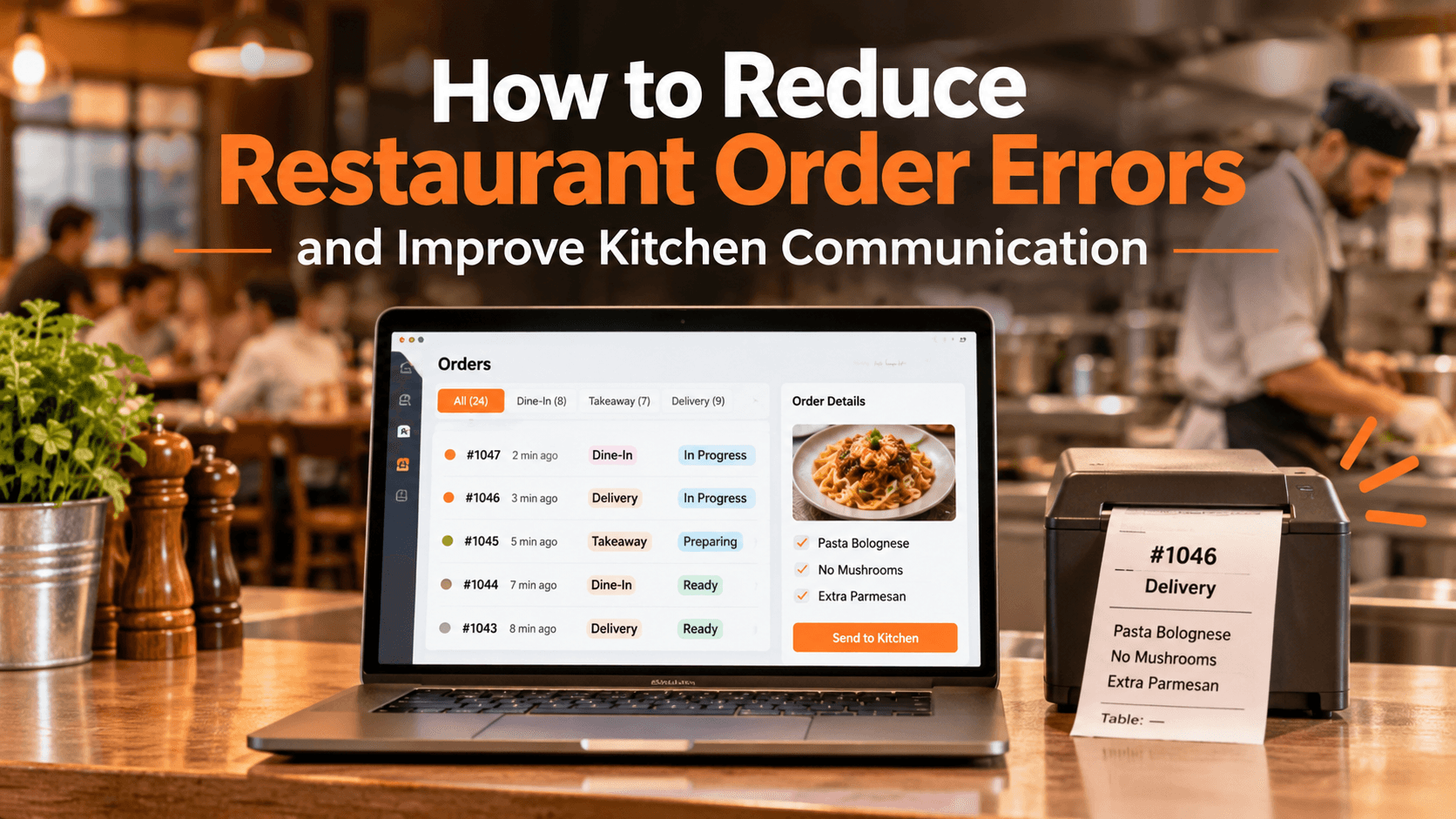
3. Does It Connect Ordering With Kitchen Operations?
An online order is only useful if your team can receive and prepare it efficiently.
Ask how orders reach the kitchen, whether printing workflows are supported, and how staff can track order progress.
4. Does It Support Direct Online Ordering?
If you want to build your restaurant's own digital sales channel, check whether the platform provides a branded ordering website or storefront.
Also ask about collection, delivery, payment options, scheduled orders, and any commission or transaction fees.
5. Can It Support My Restaurant as It Grows?
Your needs may change as order volumes increase or you open additional branches.
Ask whether the platform supports multiple locations, centralized controls, branch-specific settings, and location-level visibility.
6. Can I Understand My Customers and Business Performance?
Good restaurant software should help you make informed decisions, not simply process transactions.
Explore what customer insights, order reporting, product performance, and delivery analytics are available. Check whether the information helps answer the questions that matter to your business.
7. Does It Include Customer Engagement Tools?
Attracting new customers is important, but encouraging repeat orders matters too.
Ask whether the platform supports customer profiles, loyalty programs, and promotions. Understand how these tools work together with your ordering channels.
8. Does It Work With the Tools I Already Use?
Replacing your existing systems can be complicated.
Before choosing a platform, discuss your current POS, payment providers, printers, and delivery integrations. Ask which connections are supported, what setup is required, and whether any additional costs apply.
Never assume that every integration works automatically.
9. Can I See the Platform Before Making a Decision?
A feature list cannot tell you everything about the actual experience.
Request a product demonstration. Ask the provider to show how a real order moves from the customer's device to the restaurant dashboard and kitchen. If you manage multiple locations, ask to see how branch settings and reporting work.
A demo helps you evaluate the interface, workflows, and suitability of the software before making a commitment.
Why Consider TabTake for Your Restaurant?
TabTake brings together tools for restaurant operations, direct ordering, and business growth through one connected platform.
Its product suite includes:
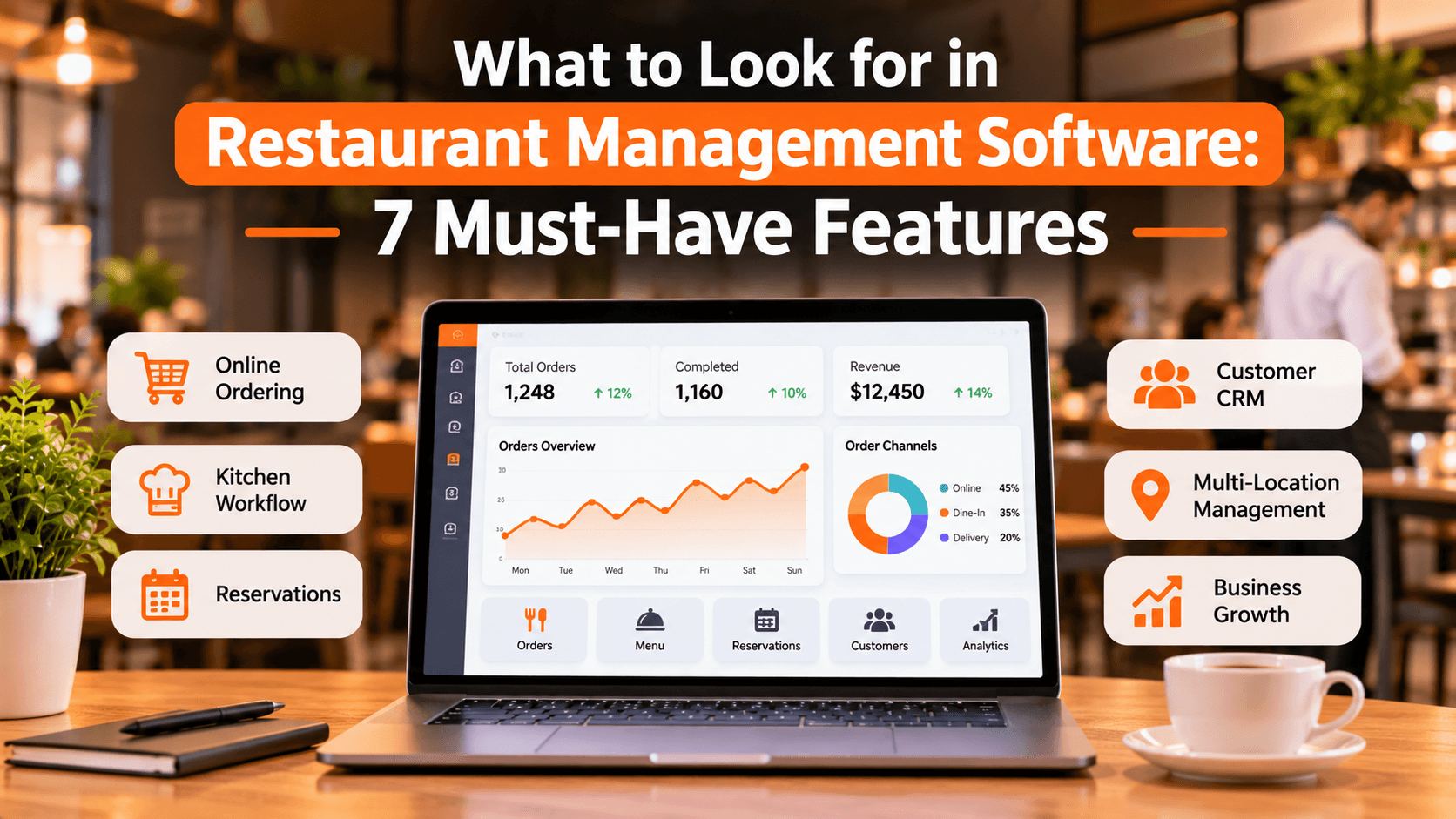
Order Dashboard: Manage incoming orders through one workspace.
Menu Management: Organise products, pricing, modifiers, and availability.
Kitchen Printing: Send order tickets to kitchen preparation stations.
Online Ordering: Accept direct orders through branded restaurant channels.
QR Table Ordering: Let guests browse and order from their tables.
Reservations: Manage bookings, tables, and guest details.
Customer CRM and Loyalty: Support customer engagement and repeat business.
Multi-location Management: Connect restaurant branches through centralised controls.
The right combination depends on your restaurant's size, service model, and operational requirements.
See How TabTake Works Before You Decide
Choosing restaurant management software is easier when you can see how it handles your actual business needs.
Instead of relying only on feature lists, explore the platform and discuss your current ordering, kitchen, menu, and management workflows with the team.
Ready to find out whether TabTake is right for your restaurant?
Book a personalized demo to explore the platform, ask questions, and see how its features could fit your restaurant's operations.