Restaurant customers increasingly expect convenient ways to browse menus and place orders. For restaurants, meeting these expectations while keeping service efficient can be challenging.
QR ordering offers another way to connect customers with your menu—without requiring them to wait for a printed menu or staff member to take every order.
But is it the right choice for your restaurant?
What Is Restaurant QR Ordering?
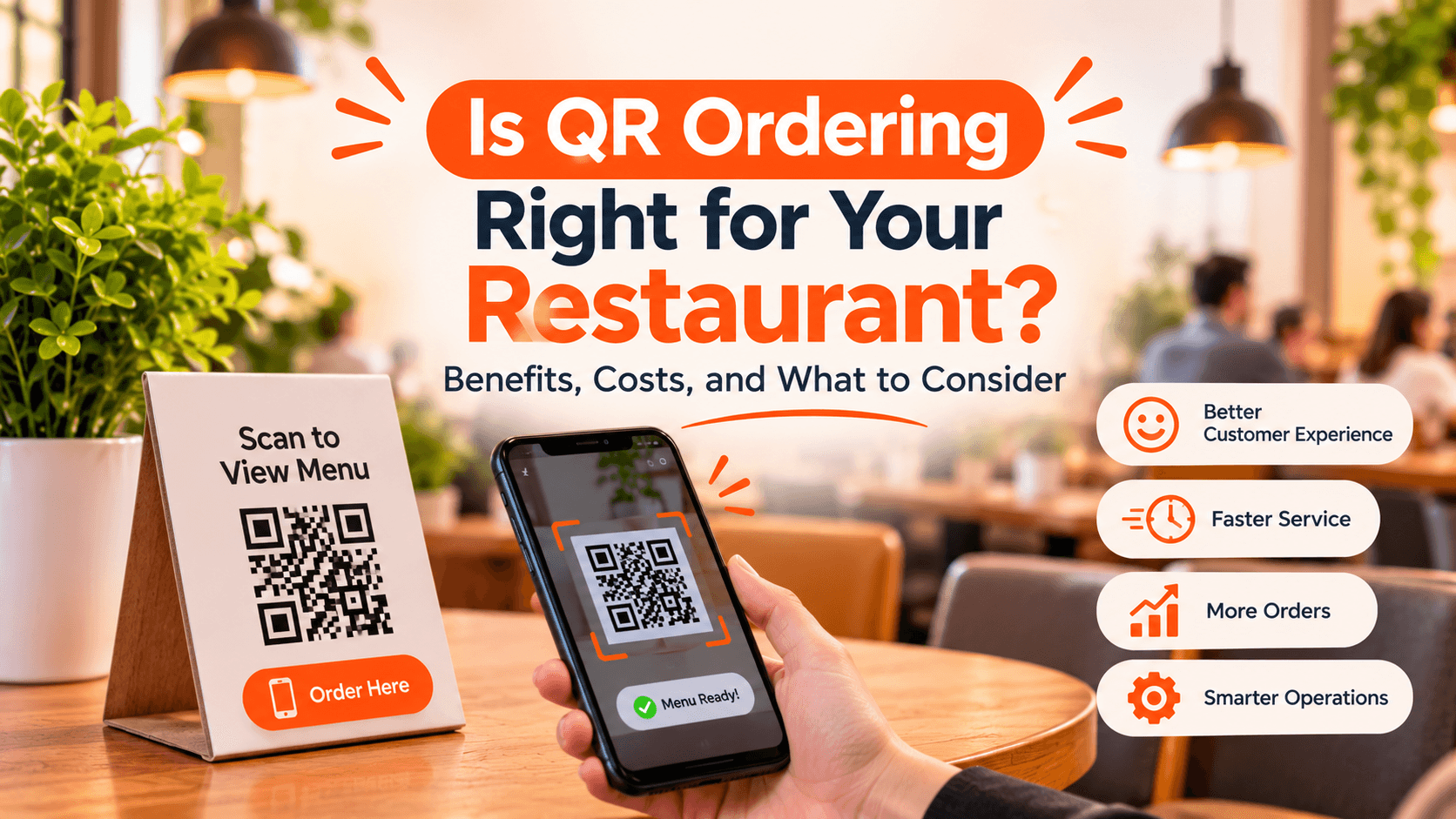
Restaurant QR ordering allows customers to scan a QR code using their smartphone to access a digital menu and, where supported, place orders directly from their device.
Depending on the system, customers may be able to customise items, add extras, submit orders, and pay online.
For restaurants, QR ordering can connect the customer experience with order management and kitchen workflows.
4 Benefits of QR Ordering for Restaurants
1. Give Customers More Convenience
Customers can access your menu directly from their table and browse at their own pace.
This can be especially useful for guests who want to explore menu options, check item details, or order additional items without waiting for assistance.
2. Reduce Repetitive Ordering Tasks
During busy service periods, staff often spend considerable time taking routine orders.
QR ordering can help customers submit orders digitally, allowing staff to focus more on hospitality, food delivery, and customer support.
3. Create More Opportunities for Additional Orders
A digital menu can make it easier for customers to explore categories, add-ons, and menu options.
Clear product descriptions and well-organised menus can support better ordering decisions, although results depend on your menu and customer behaviour.
4. Connect Ordering With Restaurant Operations
QR ordering becomes more useful when it connects with the restaurant’s existing workflow.
Instead of managing table orders separately, restaurants can use a connected system to bring digital orders into their order dashboard and kitchen workflow.
TabTake supports QR table ordering that connects customer orders with its restaurant order-management and kitchen workflows.
What Should You Consider Before Choosing a QR Ordering System?
QR ordering is not automatically the best fit for every restaurant.
Before investing, consider:
Customer experience: Is scanning and ordering simple for your customers?
Menu management: Can you update prices, items, and availability easily?
Order integration: Do QR orders connect with your restaurant’s existing workflow?
Payment options: Does the system support the payment methods you need?
Staff workflow: Will it genuinely help your team, rather than add another dashboard?
Pricing: Understand subscription fees, transaction costs, and any additional charges.
The best system is one that fits your restaurant’s service style, customer expectations, and operational needs.
Explore QR Ordering With TabTake
TabTake helps restaurants offer QR table ordering alongside online ordering, menu management, and connected order workflows.
Whether you operate a café, takeaway, casual dining restaurant, or growing restaurant group, exploring QR ordering can help you identify opportunities to improve your customer experience.
decisions.