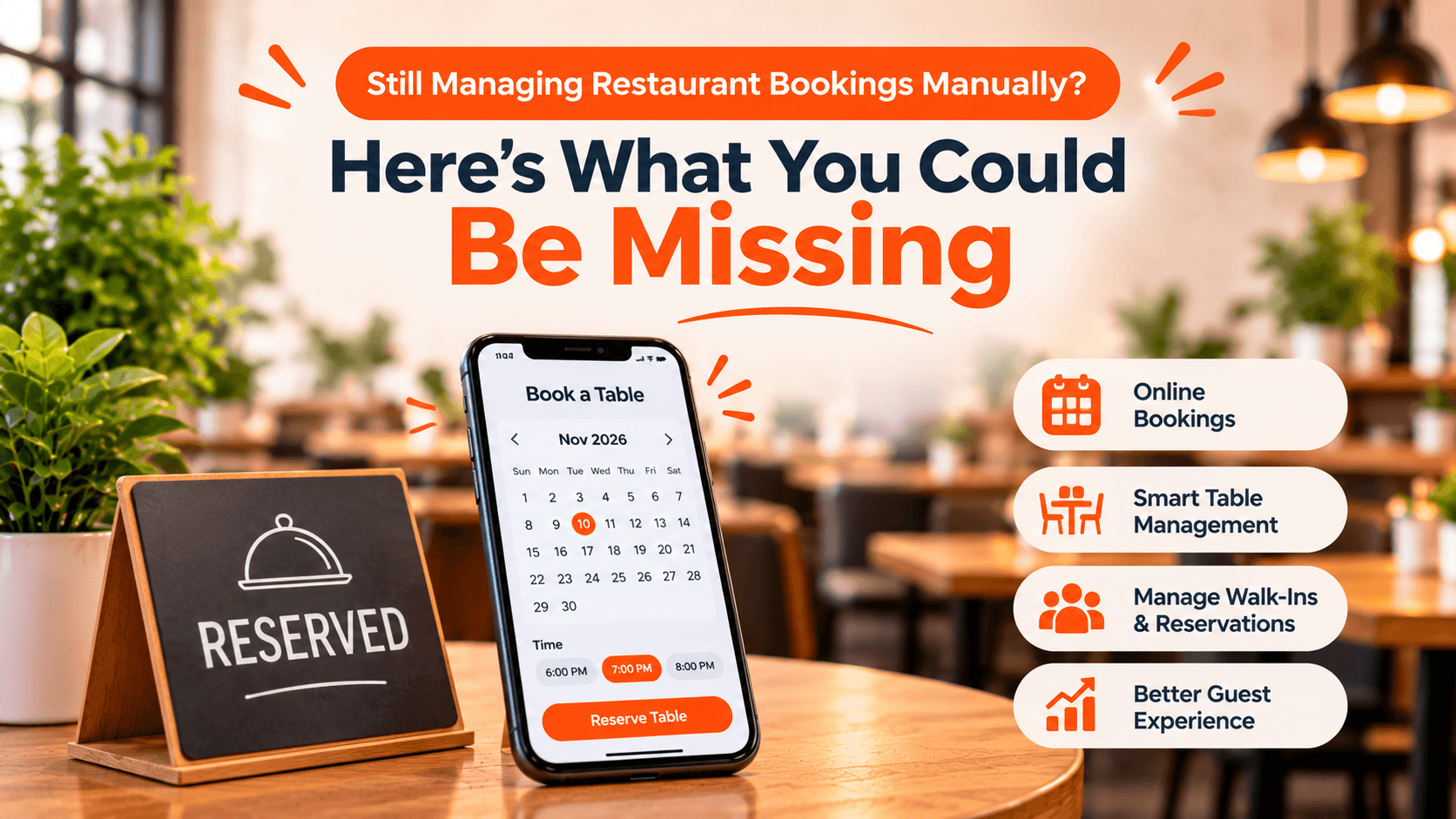
A customer calls to reserve a table. Another sends a message on social media. Someone else walks into the restaurant asking for availability.
For many restaurants, managing reservations across different channels can quickly become difficult. Staff have to check availability, update booking records, coordinate tables, and remember guest details—all while managing daily service.
Manual processes may work for a small number of bookings, but as demand increases, they can create unnecessary pressure on your team.
A dedicated restaurant booking management system can make this process more organized.
1. Stop Relying on Phone Calls for Every Booking
Phone reservations take staff away from other responsibilities, particularly during busy service periods.
A direct online booking system allows customers to check available times and submit reservation requests through your restaurant's website.
With TabTake, restaurants can accept direct website bookings through a mobile-friendly reservation experience, allowing guests to select their preferred date, time, and party size based on configured availability.
2. Get a Clear View of Your Table Availability
Without a central reservation view, staff may need to check multiple records before confirming whether a table is available.
A reservation system should give your team a clear overview of upcoming bookings, seating arrangements, and available capacity.
TabTake supports reservation management through a connected workspace where teams can review bookings, manage service periods, and organize table assignments.
3. Manage Walk-Ins Alongside Reservations
Walk-in guests are an important part of restaurant business, but managing them alongside existing bookings can become complicated.
A connected system helps staff record walk-in guests, manage waiting lists, estimate waiting times, and assign tables as they become available.
This gives front-of-house teams a more organized way to manage guest flow.
4. Keep Guest Information in One Place
Remembering guest names, contact details, party sizes, and special requests can be difficult when information is scattered across notebooks and messages.
A reservation management system helps organize booking details so staff can access the information they need when preparing for service.
Better organization also makes it easier to provide a consistent guest experience.
5. Reduce the Risk of Booking Conflicts
Double bookings and incorrect availability information can create frustrating situations for both customers and restaurant staff.
A system with configured booking capacity, service periods, table availability, and booking intervals helps restaurants manage reservations more systematically.
The goal is to give staff a clearer picture of what the restaurant can accommodate before confirming a booking.
What Should You Look for in Restaurant Reservation Software?
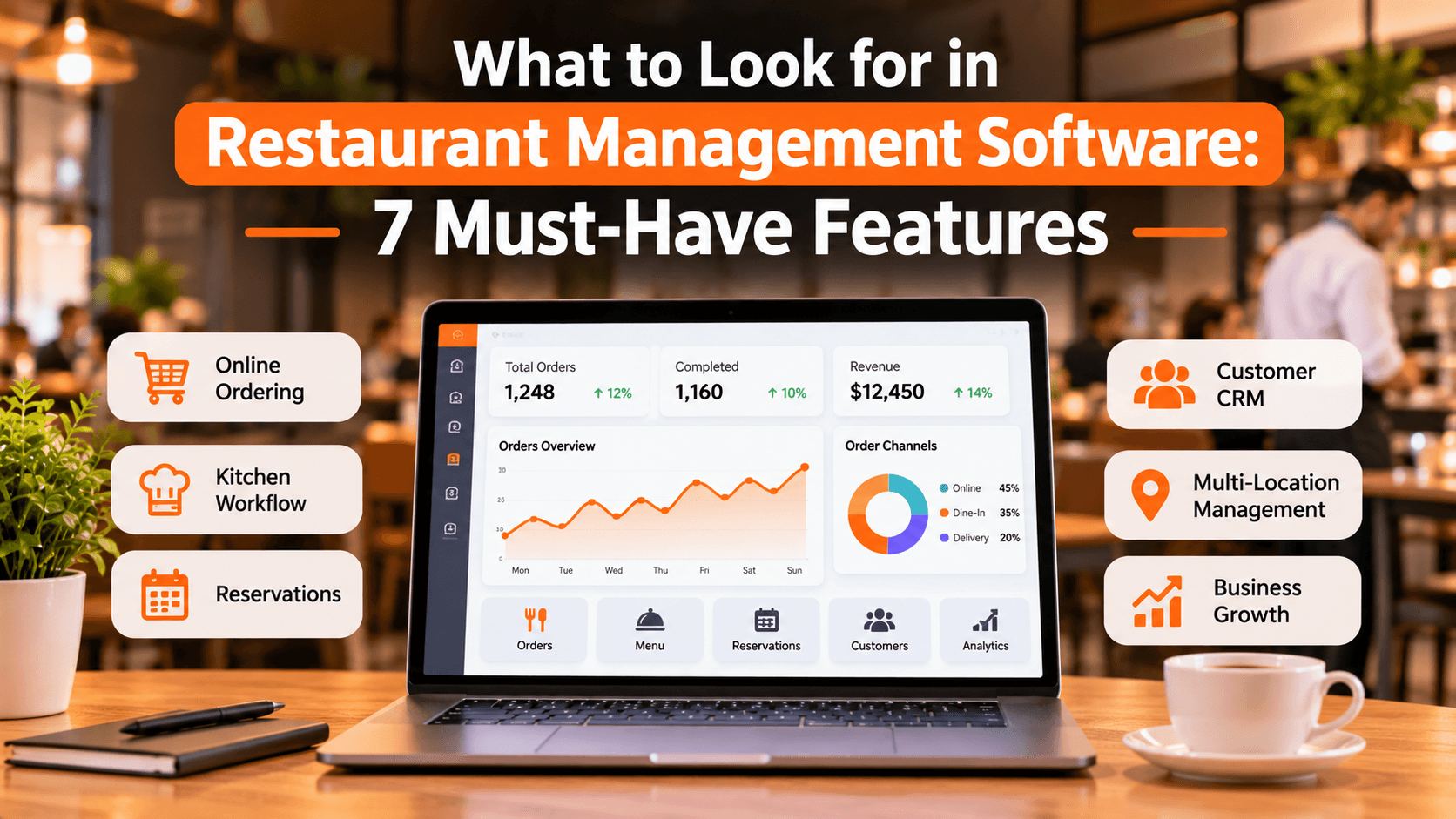
Before choosing a reservation system, consider whether it offers:
Direct online booking through your restaurant website
Live availability and configurable booking periods
Party-size and seating management
Table planning and assignment
Walk-in and waiting-list management
Centralized booking information
Multi-location reservation settings, if required
Choose software that fits your restaurant's actual seating arrangements and service style rather than paying for features your team will never use.
Manage Restaurant Reservations With TabTake
Your reservation process should make service easier, not create another administrative task.
TabTake brings direct online bookings, availability management, table planning, walk-ins, and guest details into one connected reservation workspace.
Whether you run an independent restaurant or manage multiple locations, the right reservation workflow can help your team stay organized and give guests a smoother booking experience.
Ready to see a better way to manage restaurant bookings?
Book a demo with tabtake to explore the reservations system, discuss your restaurant's requirements, and see how it could fit into your daily operations.