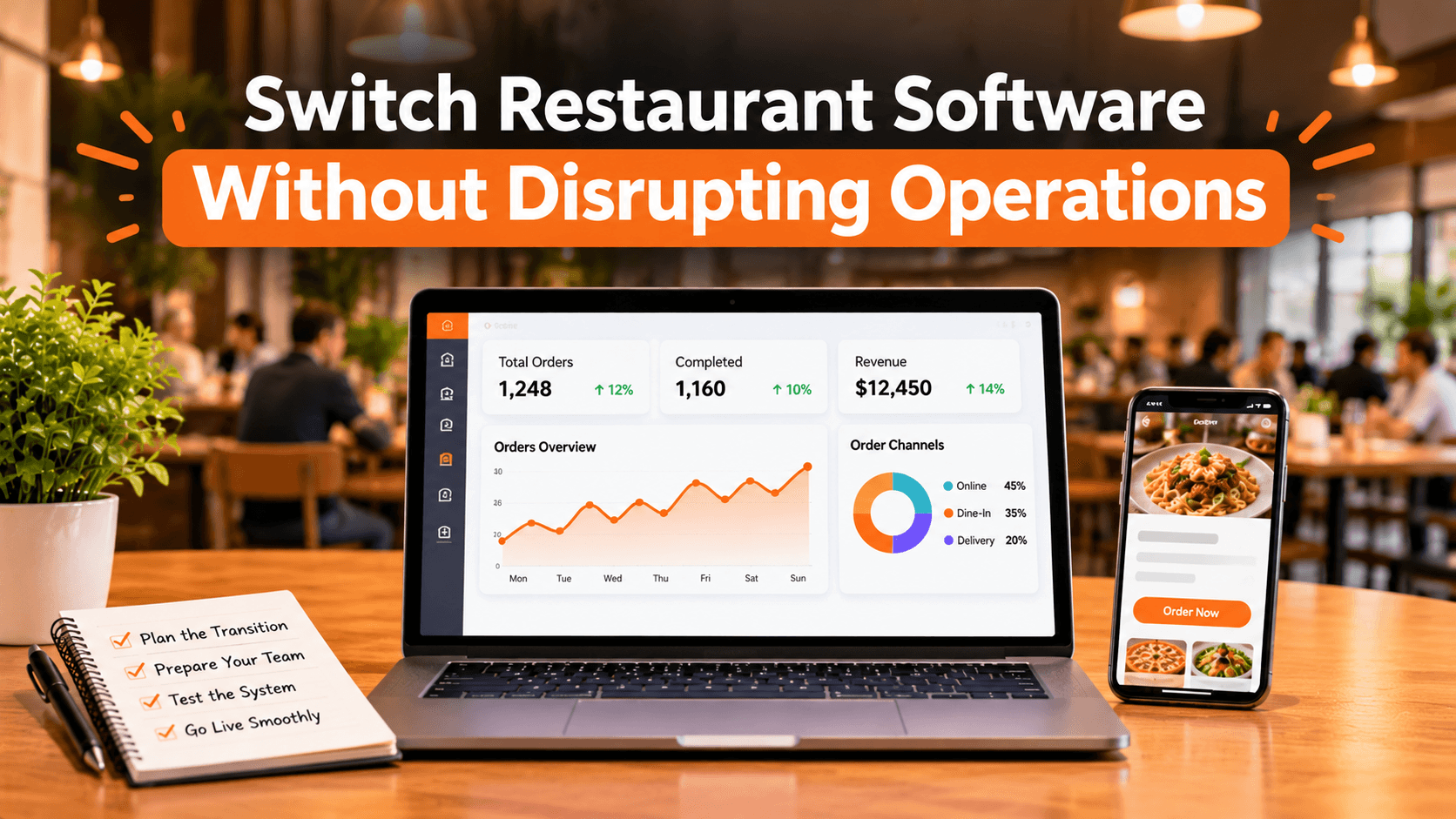
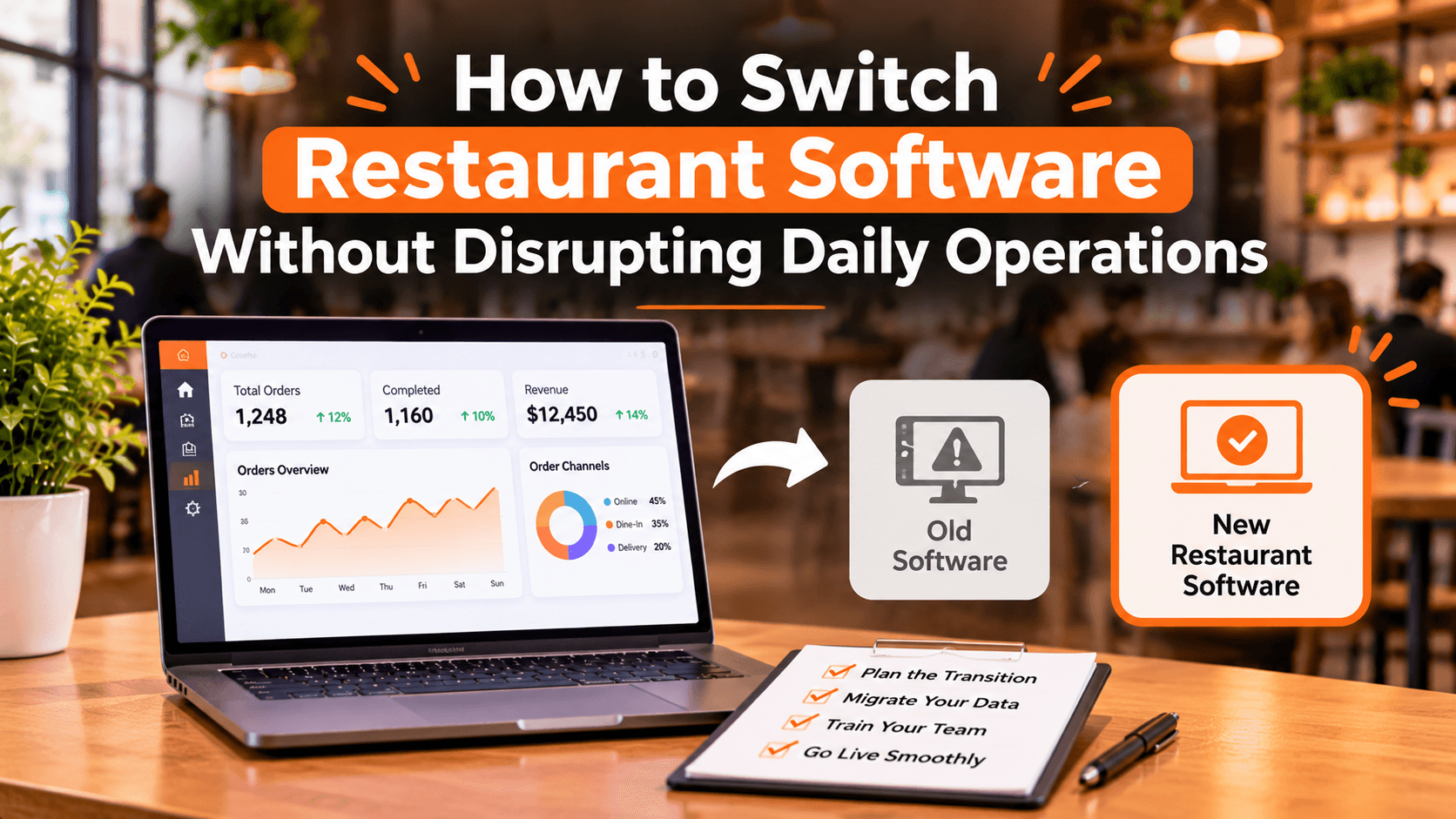
Your restaurant software should make daily operations easier, not create more work for your team.
But as your restaurant grows, your existing system may no longer meet your needs. You might be dealing with disconnected ordering channels, complicated menu updates, manual kitchen communication, or software that limits your ability to grow.
Switching platforms can solve these problems—but only when the transition is planned properly.
Here is how to change restaurant software while keeping your team and customers at the center of the process.
1. Identify What Your Current System Is Missing
Before comparing alternatives, understand why you want to switch.
Are you struggling to manage online orders? Are staff constantly switching between different tools? Is updating menus across multiple locations becoming difficult?
List the problems your team experiences every day. This gives you a practical checklist for evaluating a replacement.
The goal is not simply to find new software. It is to remove the operational problems that made you consider switching in the first place.
2. Choose Software That Connects Your Workflows
Replacing one tool with another will not solve much if your restaurant still depends on disconnected systems.
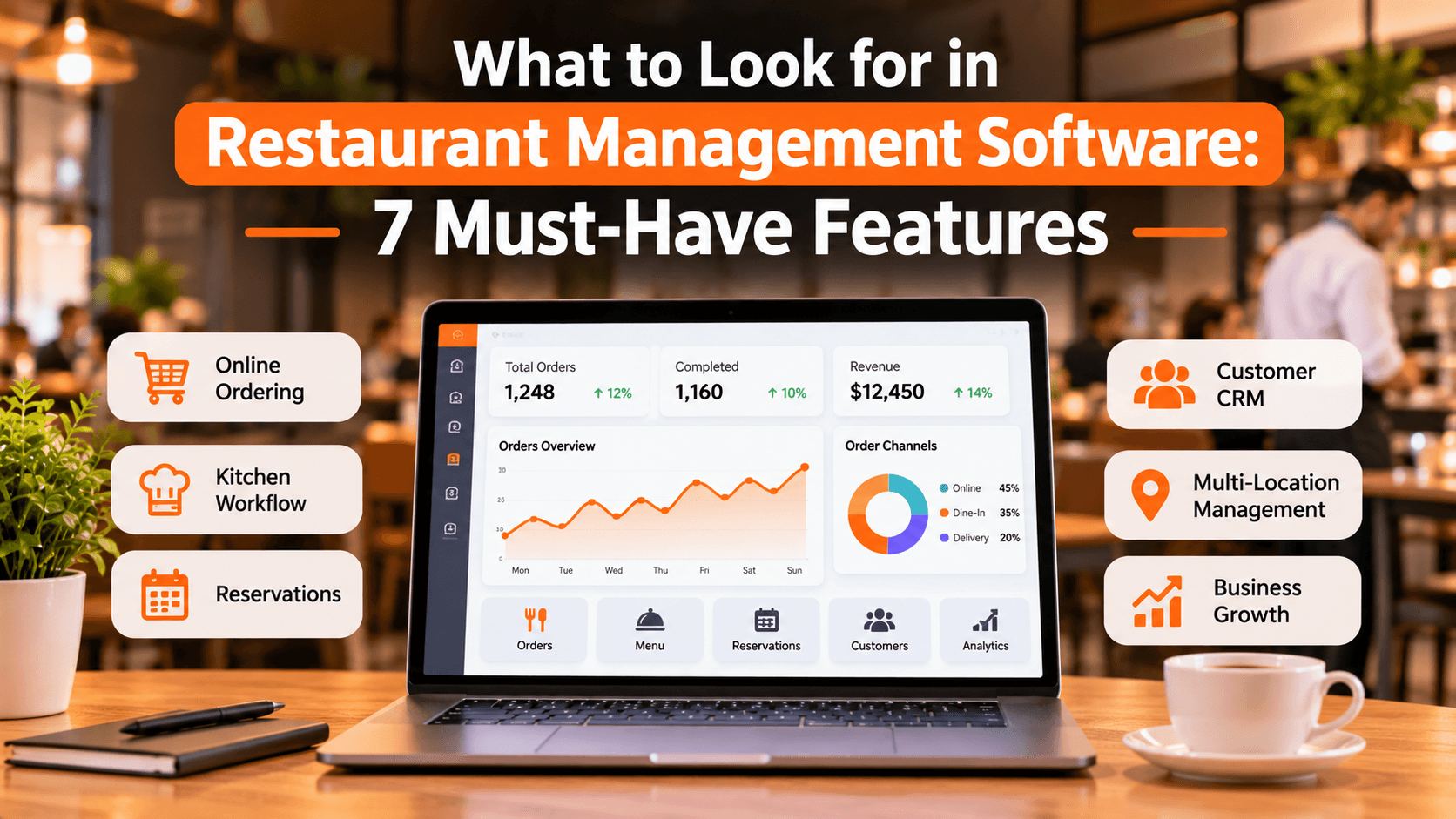
Look for a platform that supports the workflows your restaurant actually needs, such as online ordering, menu management, kitchen printing, reservations, customer management, and multi-location operations.
A connected system can help reduce unnecessary switching between tools and give your team a clearer view of daily service.
3. Prepare Your Restaurant Information
Before moving to a new platform, organize the information your team will need.
Review your menu items, prices, modifiers, availability, opening hours, delivery settings, and restaurant details.
Also identify which customer records, order histories, and reports you need to retain. Ask your new provider what can be imported, what needs to be entered manually, and what information you should export from your current system.
Do not assume all historical data will transfer automatically. Confirm the migration process before committing to a go-live date.
4. Test the New System Before Going Live
Do not make your first real customer order the first test.
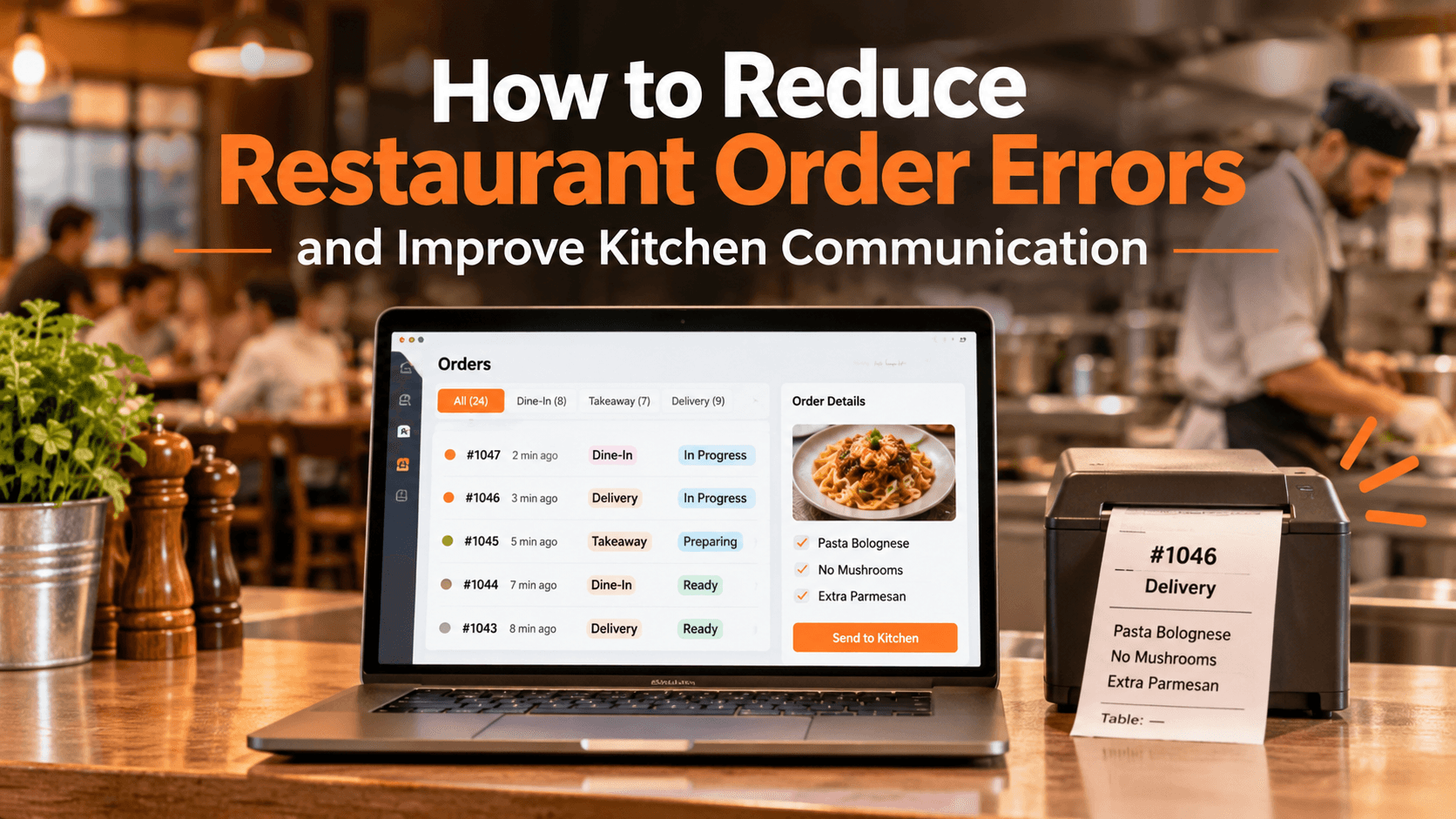
Run through the complete ordering process. Place a test order, check menu options and prices, review collection and delivery settings, and confirm that kitchen tickets and order statuses work as expected.
If your restaurant accepts online payments, verify the payment and refund processes as well.
Testing helps identify problems before they affect customers or staff.
5. Prepare Your Team for the Change
Even good software can create confusion if employees do not understand how to use it.
Give staff time to learn the new order dashboard, menu workflow, and kitchen process. Make sure everyone understands their responsibilities before the new system becomes part of regular service.
A short training session and simple instructions for common tasks can make a significant difference during the first days.
6. Switch in a Planned Sequence
Avoid changing every operational process at once without a clear plan.
Choose a suitable launch period, confirm that the new system is configured, and communicate the change to your team.
If possible, keep an appropriate fallback process available while you verify that everything is working. During the first days, monitor incoming orders, payments, printing, and fulfilment closely.
Once the new workflow is stable, review what went well and address any remaining issues.
How TabTake Can Help You Build a More Connected Restaurant Operation
Switching software is an opportunity to improve more than your ordering process.
TabTake brings together direct online ordering, POS and order management, menu management, kitchen printing, QR table ordering, reservations, customer CRM, loyalty, and multi-location management.
Restaurants can manage important workflows through one connected platform instead of relying on separate tools for every task.
TabTake also provides setup guidance for adding restaurant details, building menus, configuring ordering options, and testing workflows before going live. The exact transition process will depend on your current setup and the information you need to move.
Make Your Next Software Switch a Better Business Decision
The right time to change restaurant software is when your current setup is holding your business back.
Start by identifying your operational problems, comparing the features you actually need, and planning the transition around your team and customers.
A successful switch is not simply about adopting new technology. It is about creating a smoother way to run your restaurant.
Thinking about upgrading your restaurant software?
Discover how TabTake can help connect your ordering, kitchen, customer, and operational workflows.