
Getting customers to visit your restaurant’s online menu is only the first step. The real challenge is making it easy for them to choose their food, complete checkout, and place an order without confusion.
Online ordering friction refers to anything that makes this process slower or more difficult than it needs to be. For restaurants, removing these obstacles can create a smoother customer experience and help more visitors complete their orders.
1. Make Your Digital Menu Easy to Navigate
Customers should be able to find what they want without searching through an unorganized list of products. Use clear categories, descriptive item names, accurate prices, and appealing food images where appropriate.
Keep product options, add-ons, and variations easy to understand. A well-structured digital menu helps customers make decisions with confidence.
2. Simplify the Checkout Process
A complicated checkout can discourage customers who are ready to order. Ask only for the information needed to process and fulfil the order, and make each step easy to understand.
Display the basket clearly, including selected items, quantities, extras, fees, and the final total. Customers should know what they are paying before they confirm their purchase.
3. Make Delivery and Collection Options Clear
Customers need to understand how and when they can receive their food. Clearly present available delivery and collection options, opening hours, estimated preparation times, and any applicable charges.
If customers can schedule orders for a later time, make available time slots easy to find. Clear expectations reduce confusion for both customers and restaurant staff.
4. Optimize the Experience for Mobile
Many customers browse restaurant menus on their phones. Your ordering experience should be easy to use on smaller screens, with readable text, accessible buttons, and a basket that is simple to review.
Test the complete journey on a mobile device—from opening the menu to receiving order confirmation. Look for unnecessary scrolling, confusing options, or steps that make ordering difficult.
5. Keep Menus and Availability Accurate
Few things frustrate customers more than selecting an item that is unavailable or discovering that a price has changed unexpectedly.
Keep product details, prices, modifiers, and availability up to date. TabTake’s menu management tools let restaurants manage menu information and availability through a connected dashboard, helping keep the customer-facing ordering experience accurate.
How TabTake Supports a Smoother Ordering Journey
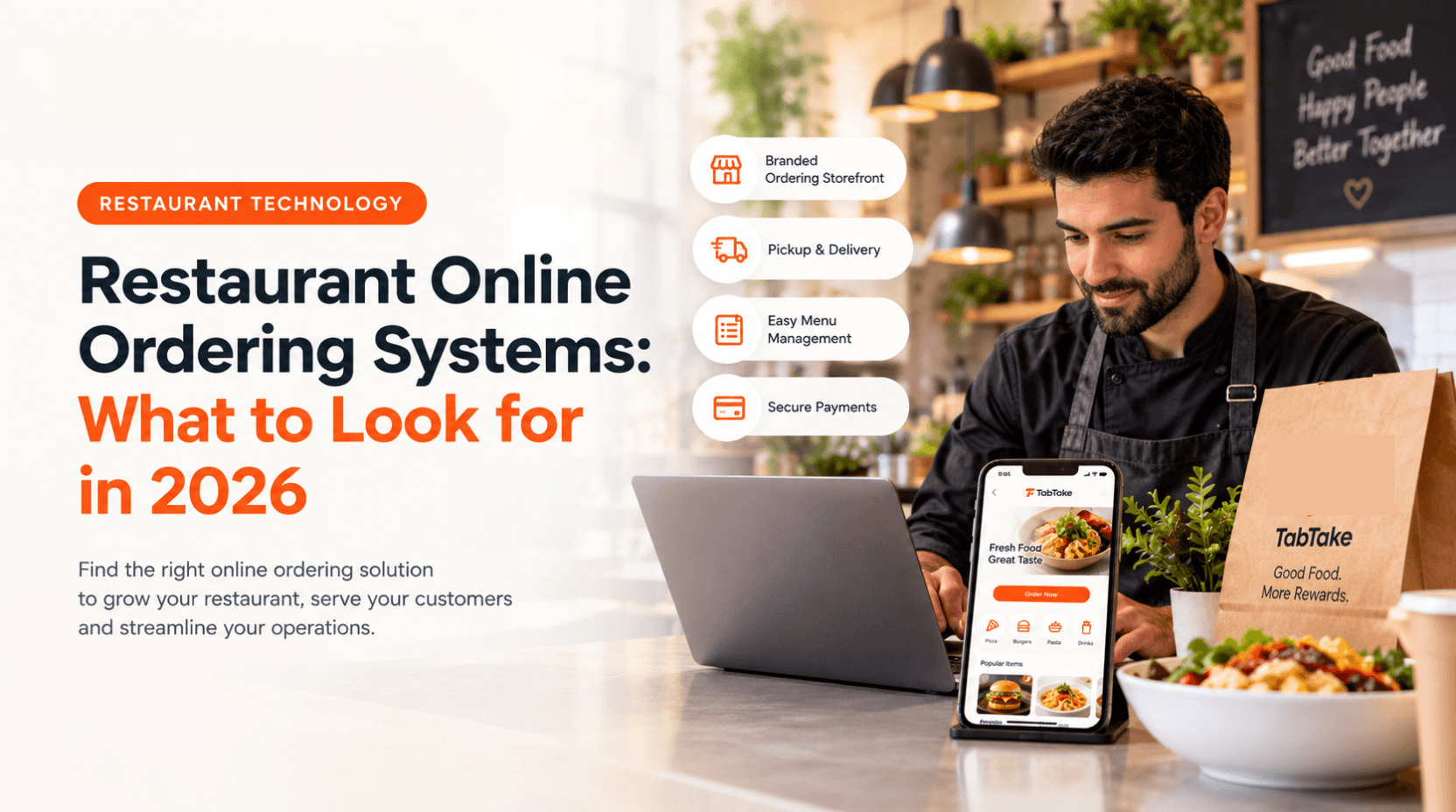
TabTake brings together a branded online storefront, digital menus, basket and checkout, collection and delivery options, and order management. This helps restaurants organize the customer journey from menu browsing through to order confirmation and fulfilment.
A smoother ordering experience is not about adding more features. It is about making the essential steps clear, reliable, and convenient.
Final Thoughts
Reducing online ordering friction starts with understanding where customers encounter difficulty. Clear menus, straightforward checkout, transparent fulfilment options, mobile-friendly design, and accurate availability all help create a more convenient experience.
Review your ordering journey regularly and test it as a customer would. With a well-organised ordering process and the right tools, your restaurant can make ordering easier while helping staff manage incoming orders more effectively.
Explore TabTake’s online ordering platform to see how connected menus, checkout, and order workflows can support a smoother experience for your customers.