In an industry where third-party delivery platforms continuously squeeze restaurant margins with 20% to 35% commission rates, owning your direct digital channel has transitioned from a nice-to-have into an absolute commercial necessity. If you are exploring how to modernize your restaurant operations, cut aggregator dependence, and increase profitability, the fastest way to get started is to book a live demo on the TabTake website.
In this guide, we walk you through exactly how restaurant owners can schedule a 1-on-1 TabTake demo, what to expect during your interactive session, and an in-depth breakdown of the standout features that make TabTake the leading direct ordering and restaurant operations platform.
Why Modern Restaurant Operators Are Booking a TabTake Demo
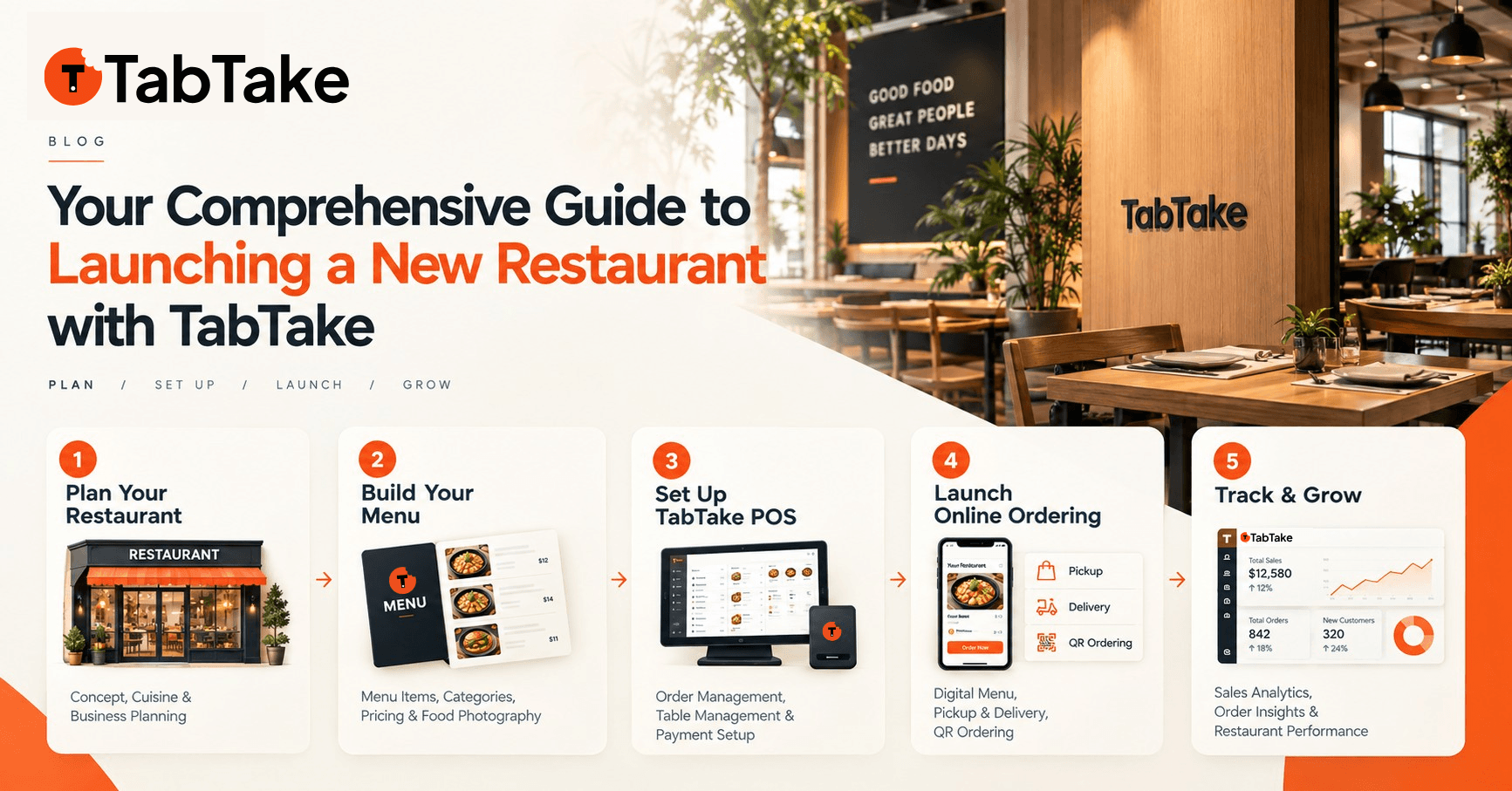
Hospitality businesses of all shapes and sizes—from independent burger bars and artisan pizzerias to bustling multi-location restaurant chains—face the same critical operational challenges: escalating food and labour costs, fragmented software stacks, and lost customer data. TabTake was engineered as an all-in-one operating system that puts full control and profit back into the restaurateur’s hands.
When you book a demo with TabTake, our hospitality specialists tailor the platform directly to your business model, whether you specialise in high-volume delivery, fast-casual counter pickup, dine-in table service, or multi-branch franchise operations.
Core TabTake Features Highlighted in Your Live Demo
During your demo, you will get hands-on access to TabTake???s primary modules. Here is a preview of the flagship features you will explore:
1. High-Converting, Commission-Free Direct Ordering Storefronts
TabTake provides a blazing-fast, mobile-optimised digital storefront operating on your own custom domain (e.g. orders.yourrestaurant.com) or dedicated brand subdomain. Key capabilities include:
- 0% Commission on Orders: Keep 100% of your menu revenue with predictable flat monthly subscription pricing available on our transparent pricing tiers.
- Instant & Pre-Scheduled Delivery & Collection: Let customers order on demand or schedule days in advance with automatic lead time calculations.
- Omnichannel Payments: Secure checkout supporting Apple Pay, Google Pay, major credit/debit cards via Stripe, and cash on collection/delivery.
- Custom Modifiers & Upsells: Intelligent recommendation engine that suggests sides, drinks, and dietary customizations to boost Average Order Value (AOV).
2. Polygon Delivery Zones & Dynamic Surcharge Controls
Stop delivering outside your profitable radius. TabTake includes an intuitive map-based delivery engine that gives you full geographic precision:
- Interactive Zone Drawing: Draw custom polygon boundaries or radius zones directly on the map.
- Dynamic Delivery Fees: Set distance-tiered delivery charges, minimum order requirements per zone, and free-delivery incentives.
- Postcode & District Geofencing: Automatic UK and international postcode verification to eliminate out-of-area driver dispatches.
3. Smart QR Dine-In Ordering & Digital Table Service
Turn tables up to 20% faster and eliminate front-of-house bottlenecking with contactless table ordering:
- Custom Table QR Codes: Generate branded QR codes mapped to specific tables, booths, or bar zones.
- Order & Pay at Table: Guests scan with their native smartphone camera, browse rich visual menus, customize items, and pay without waiting for a server.
- Real-Time Kitchen Sync: Table orders route immediately to your kitchen printer and Kitchen Display System (KDS).
4. Automated Kitchen Printing & Real-Time Order Management
Never miss an incoming order or suffer from illegible handwritten dockets again:
- ESC/POS Thermal Printing: Automatic receipt and docket printing to multiple kitchen, bar, and counter thermal printers.
- Sound & Visual Alerts: Instant audio notifications and high-visibility status tags (New, In Kitchen, Ready, Out for Delivery, Completed).
- Driver Dispatch Management: Assign internal drivers or streamline last-mile logistics with clear delivery instructions and customer phone masking.
5. Centralized Multi-Location & Branch Governance
Built specifically for growing restaurant brands and franchise groups managing 2 to 50+ sites:
- Global Menu Governance: Maintain a master menu with one-click on-demand syncing across all branches.
- Branch-Level Overrides: Give individual store managers the flexibility to set local item prices, 86 out-of-stock ingredients, or adjust store hours.
- Unified Group Analytics: Compare branch-by-branch sales velocity, peak ordering hours, and customer retention metrics in a single central dashboard.
How to Book a Demo on the TabTake Website (Step-by-Step)
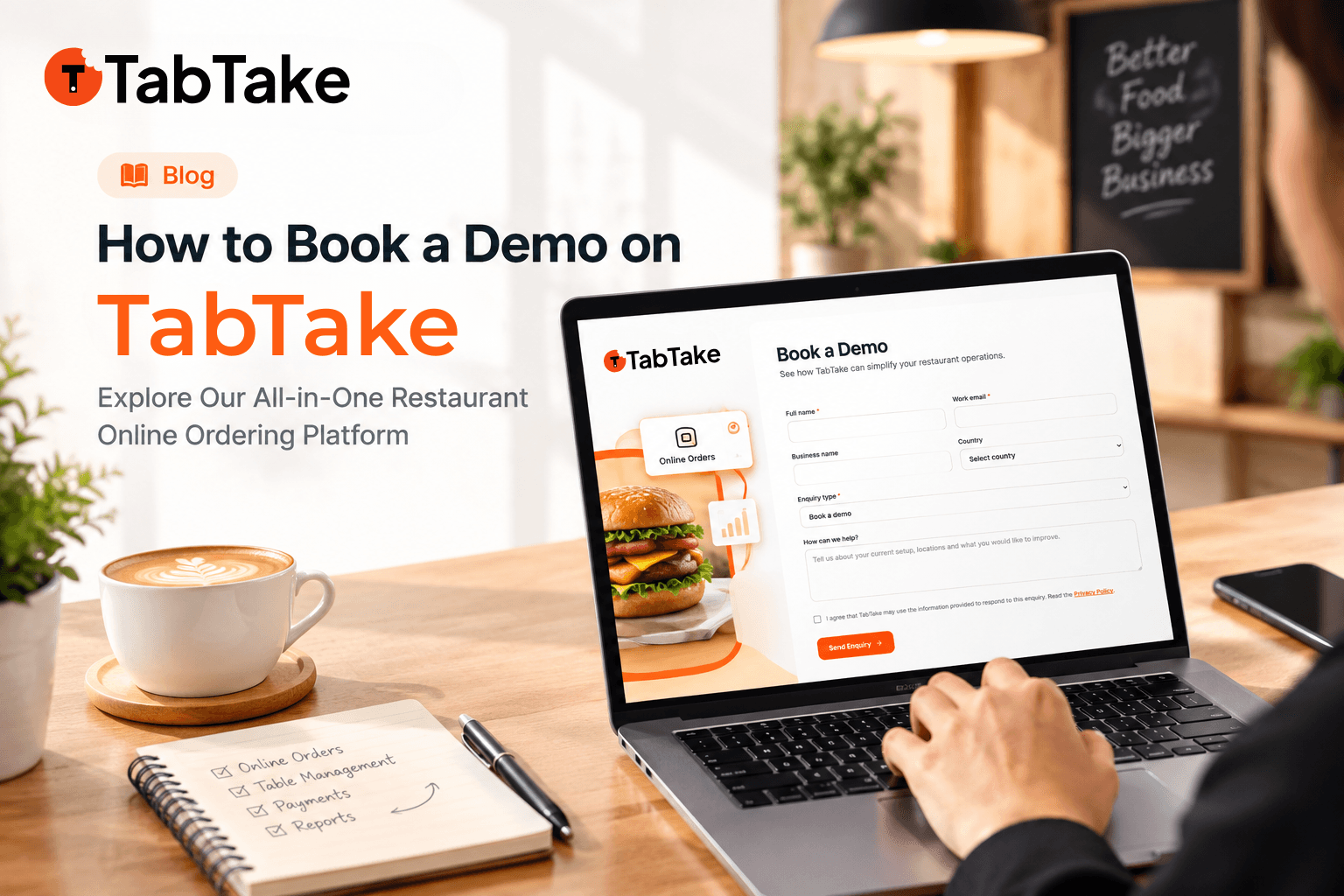
Booking a live demo on TabTake is quick and effortless. Follow these simple steps using the live booking form on our website:
- Step 1: Open Website and Click on "Book a Demo" Button
Visit the TabTake homepage and click the "Book a Demo" button in the navigation bar or footer, or go straight to the Demo Booking Form. - Step 2: Enter Your Details
Fill in your primary contact and restaurant details: - Full Name (Required): Your name so our onboarding specialist knows who they are speaking with.
- Work Email (Required): Where we can send your calendar invite and test store credentials.
- Business Name (Optional): The name of your restaurant, takeaway, cafe, or hospitality brand.
- Country (Dropdown): Select your operating country (e.g. United Kingdom, Germany, France, Spain, Italy, United Arab Emirates (UAE), Saudi Arabia (KSA), or Other).
- Step 3: Confirm Enquiry Type & Add Optional Notes
- Enquiry Type: Automatically set to Book a demo (you can also select Request pricing, Discuss an integration, Enterprise quote, or Partner / reseller).
- How can we help? (Optional): Tell us about your current ordering setup, number of locations, or specific features you would like to explore during the session.
- Selected Plan: If you came via our Pricing Page, your chosen tier (such as Essential, Growth, Multi, or Enterprise) will be pre-selected automatically.
- Step 4: Check Privacy Consent and Click "Send Enquiry"
Tick the privacy policy acknowledgement and click the "Send Enquiry" button. Our hospitality specialists will review your requirements and reach out within 24 hours to schedule your personalized live demo!
What Happens During Your 1-on-1 TabTake Demo?
We know restaurant operators are busy. Our live walkthroughs are concise (typically 20 to 30 minutes), highly interactive, and focused on solving your exact operational pain points:
- Live Storefront Walkthrough: Experience the ordering journey from your customers??? perspective on mobile and desktop.
- Merchant Portal & Live Kitchen Demonstration: Watch how live orders flow into the dashboard, trigger thermal print dockets, and update statuses in real time.
- Menu & Pricing Strategy Session: Discover how to structure modifiers, combo deals, and delivery zones for maximum gross margin.
- Migration & Onboarding Plan: Learn how simple it is to import your existing menu and go live within 24 to 48 hours.
Summary & Next Steps
Retaining your customer base, owning your transaction data, and boosting net profit margins starts with a reliable, commission-free ordering engine. Schedule your personalized session today on the TabTake website to book a demo and see how easy digital transformation can be for your restaurant.
Ready to elevate your restaurant revenue?
Join hundreds of forward-thinking restaurant owners taking control of their online orders.
Book Your Free TabTake Demo Now →